Cash Withdrawal & Balance Inquiry - Acquirer
This guide provides instructions for Acquirer institutions to test SAN Cash Withdrawal and Balance Inquiry transactions using their own terminals.
Who should use this: Banks, Non-Banks, TPA operating ATM networks
Prerequisites
| Item | Provider |
|---|---|
| Your Own Terminal / ATM | Your Organization |
Test Card (BIN 9000 09XX) | PayNet |
| Developer Portal Access | PayNet |
| FIID | Your Organization |
Step 1: Execute Transactions on Your Terminal
1.1 PayNet-Provided Test Card
- Card Number:
9000 09XX XXXX XXXX - BIN Range:
9000 09XX
1.2 Cash Withdrawal Transaction
- Use your own terminal / ATM
- Insert PayNet test card:
9000 09XX XXXX XXXX - Select Cash Withdrawal
- Choose account type (Default/Saving /Current) (Must match your test case)
- Enter withdrawal amount
- Enter PIN when prompted
- Complete transaction
- Capture RRN from receipt
1.3 Balance Inquiry Transaction
- Use your own terminal / ATM
- Insert PayNet test card:
9000 09XX XXXX XXXX - Select Balance Inquiry
- Choose account type (Default/Saving /Current) (Must match your test case)
- Enter PIN when prompted
- Complete transaction
- Capture RRN from receipt
Step 2: Submit Test Case in Developer Portal
2.1 Navigate to Test Case
- Return to PayNet Developer Portal
- Open SAN Acquirer test suite
- Select test case matching your transaction type

2.2 Submit RRN
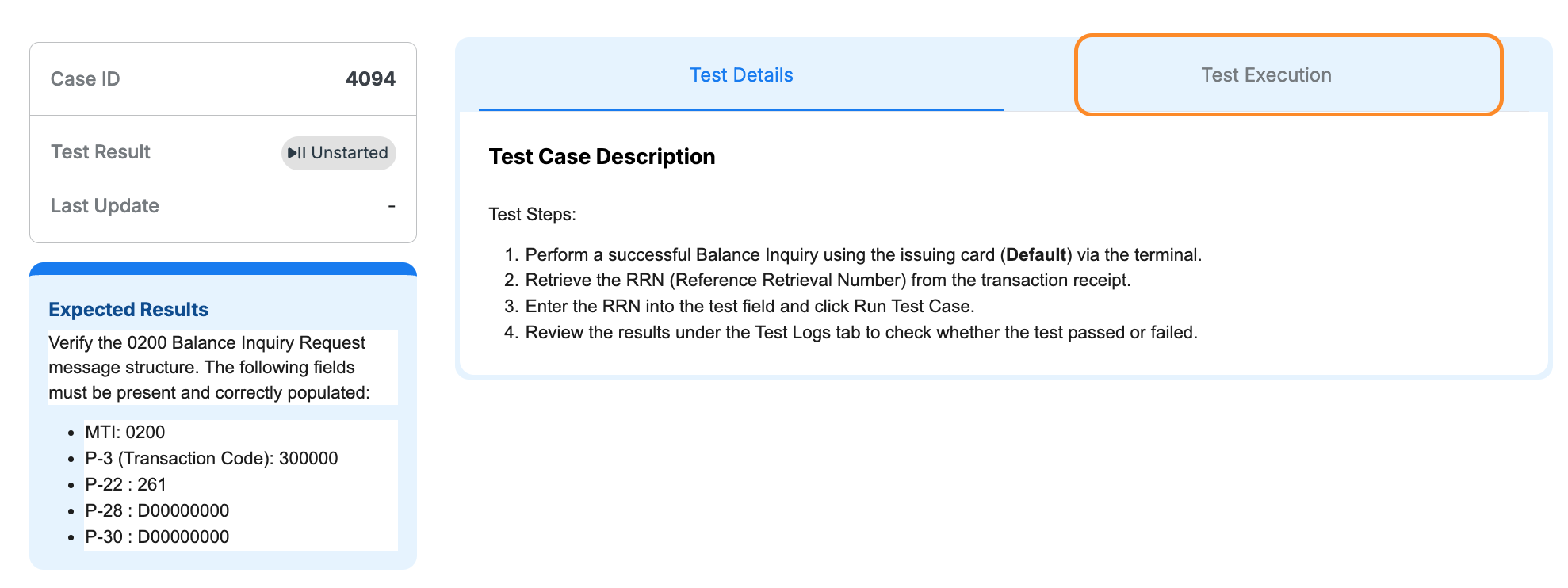
- Click Test Execution tab
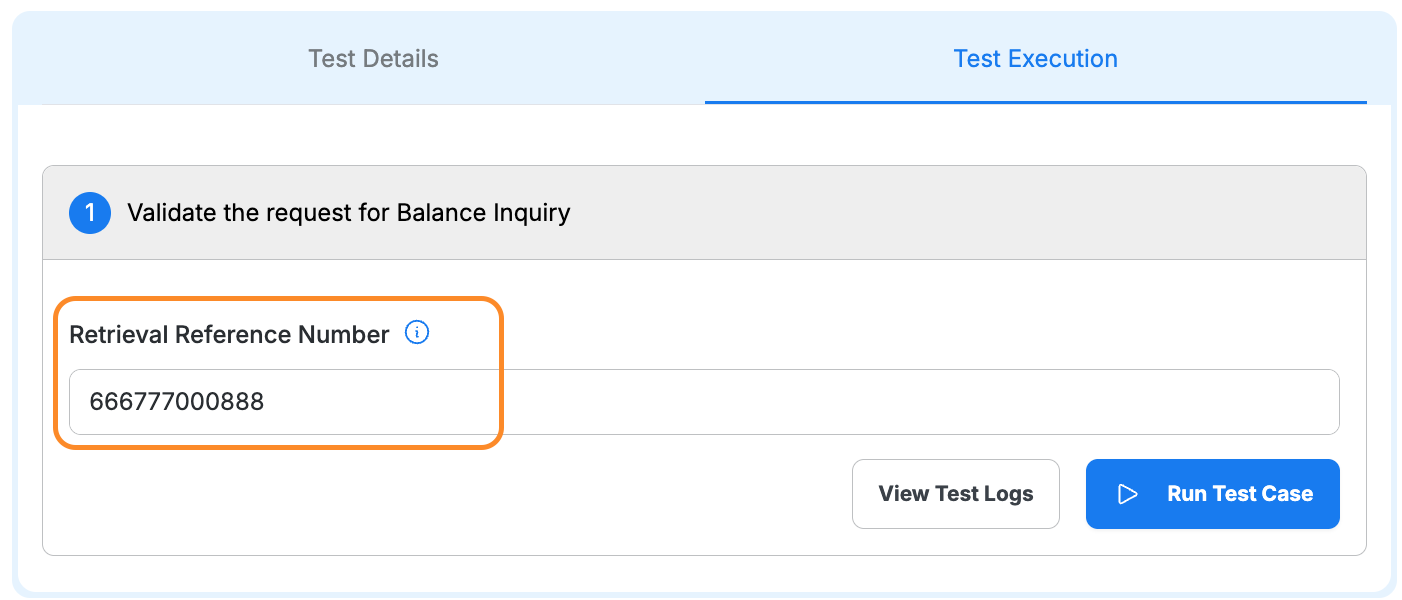
- Enter RRN from receipt
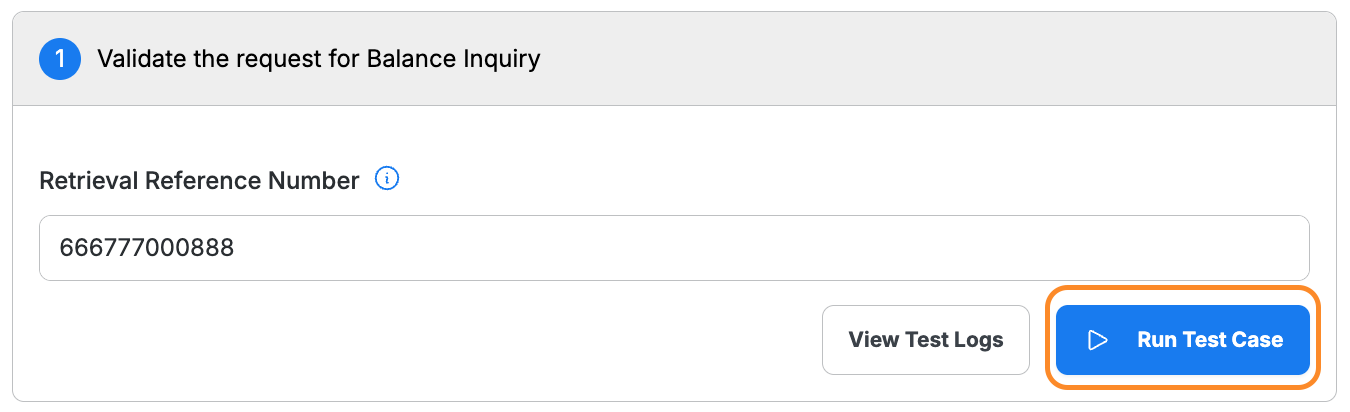
- Click Run Test Case
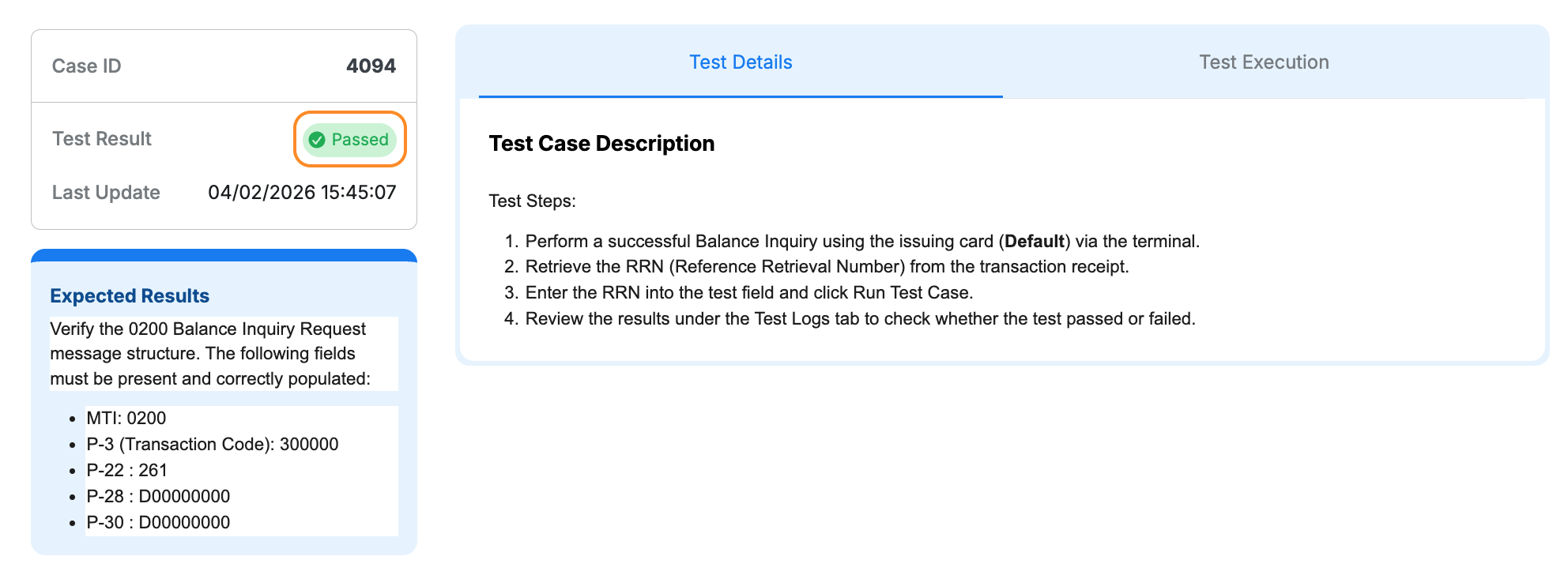
- Verify status shows Passed
Step 3: Complete All Test Cases
Complete Cash Withdrawal test cases (Default, Saving, Current)
Complete Balance Inquiry test cases (Default, Saving, Current)
Ensure all test cases show Passed
Review test logs for any failures