IBFT4 – Issuer
This guide provides step-by-step instructions for Issuer institutions to test IBFT4 (Interbank Fund Transfer Scenario 4) transactions using PayNet-provided terminals and the Developer Portal.
IBFT4 simulates instant transfer scenarios where customers transfer funds to accounts at other banks using the SAN network infrastructure.
Who should use this: Banks, Non-Banks, TPA, EMI, Digital Banks acting as Card Issuers
Prerequisites
| Item | Provider |
|---|---|
| PayNet Terminal | PayNet |
| Login Credentials | PayNet |
| Beneficiary Account Number | PayNet |
| Test Card (Issuing Card) | Your Organization |
| Developer Portal Access | PayNet |
| FIID | Your Organization |
Step 1: Execute Transaction on PayNet Terminal
1.1 Terminal Login
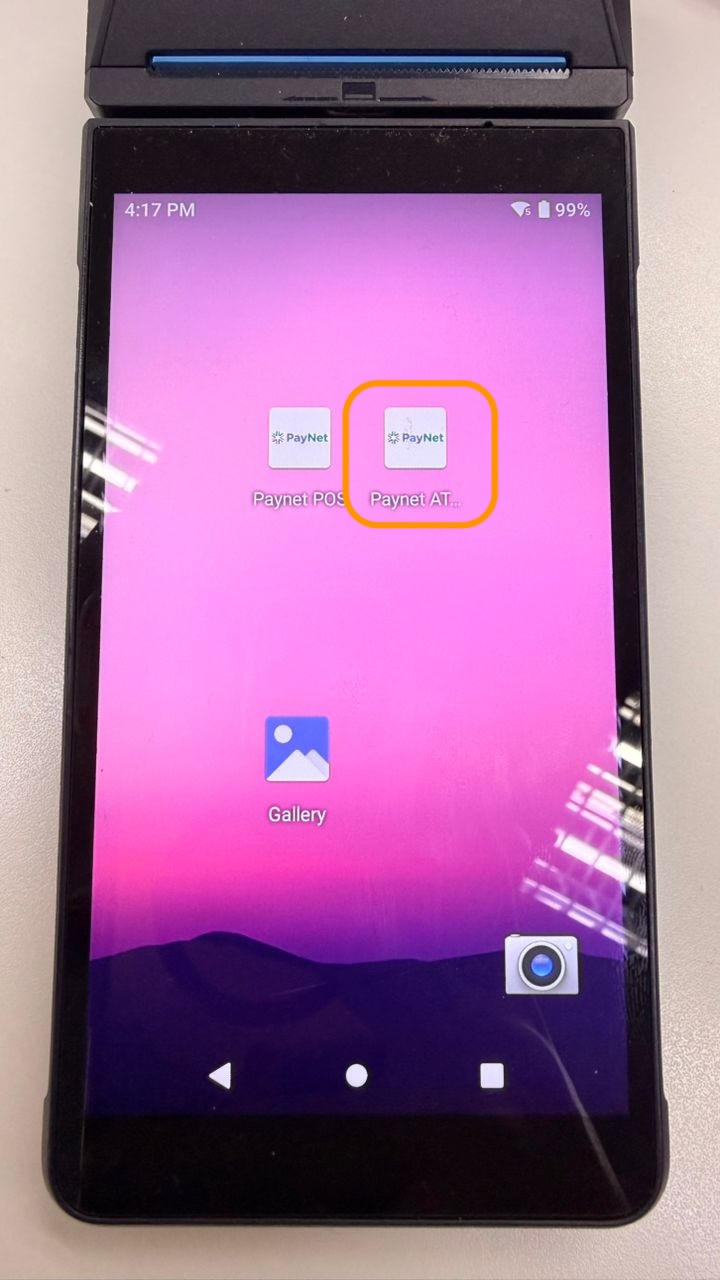
- Open PayNet ATM application
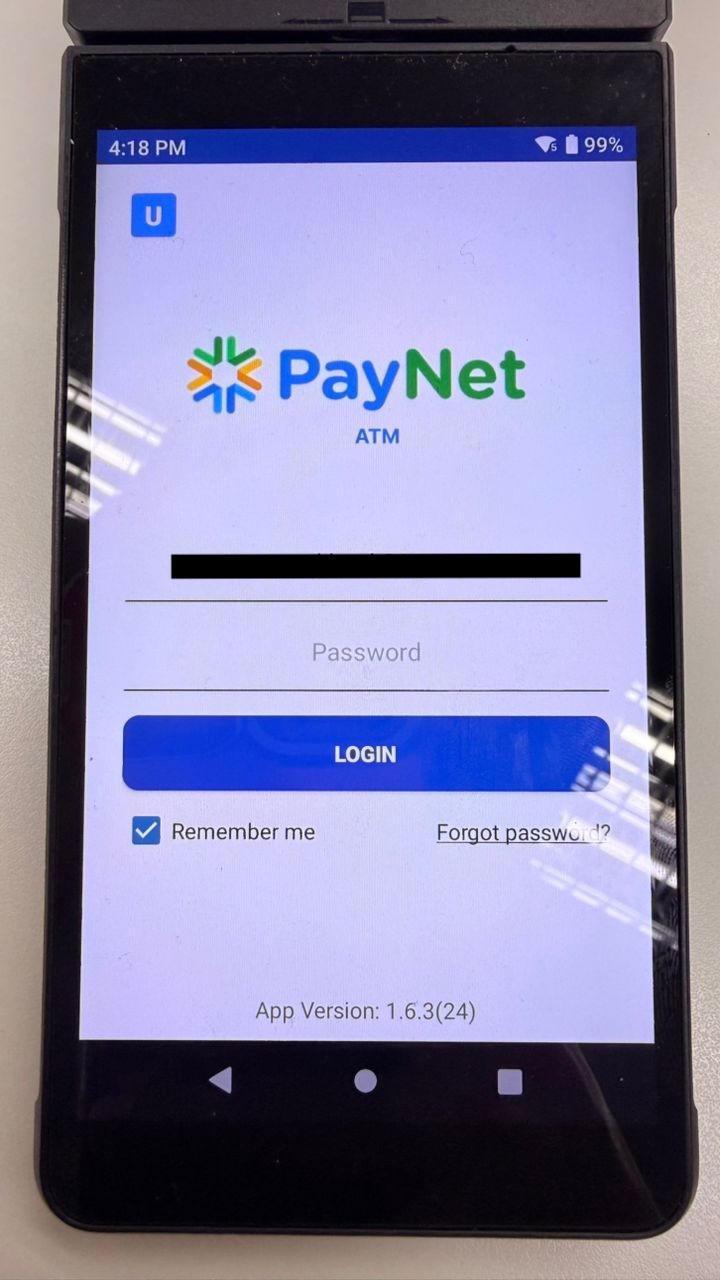
- Enter Email and Password provided by PayNet
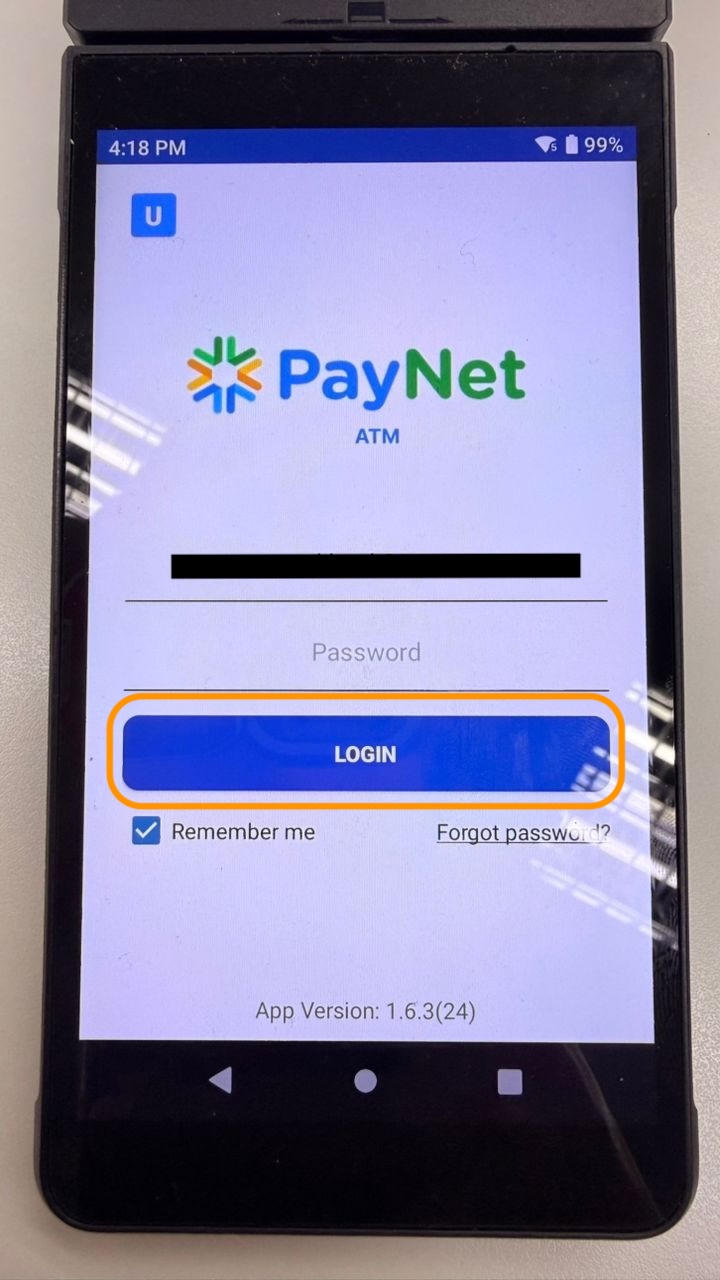
- Click Login
1.2 Interbank Fund Transfer Scenario 4 (IBFT4) Transaction
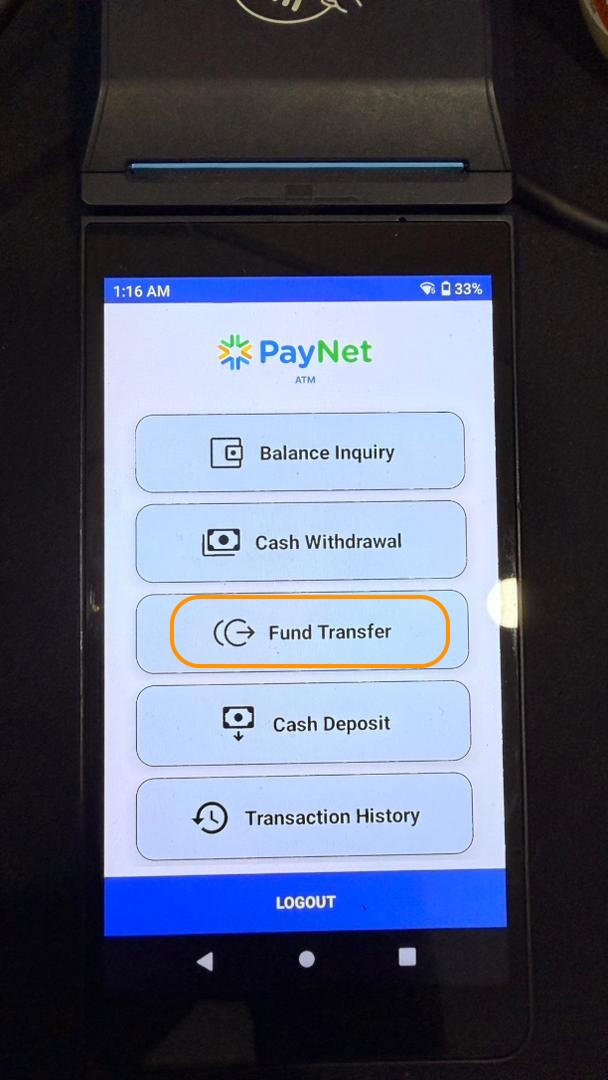
- Click “Fund Transfer”
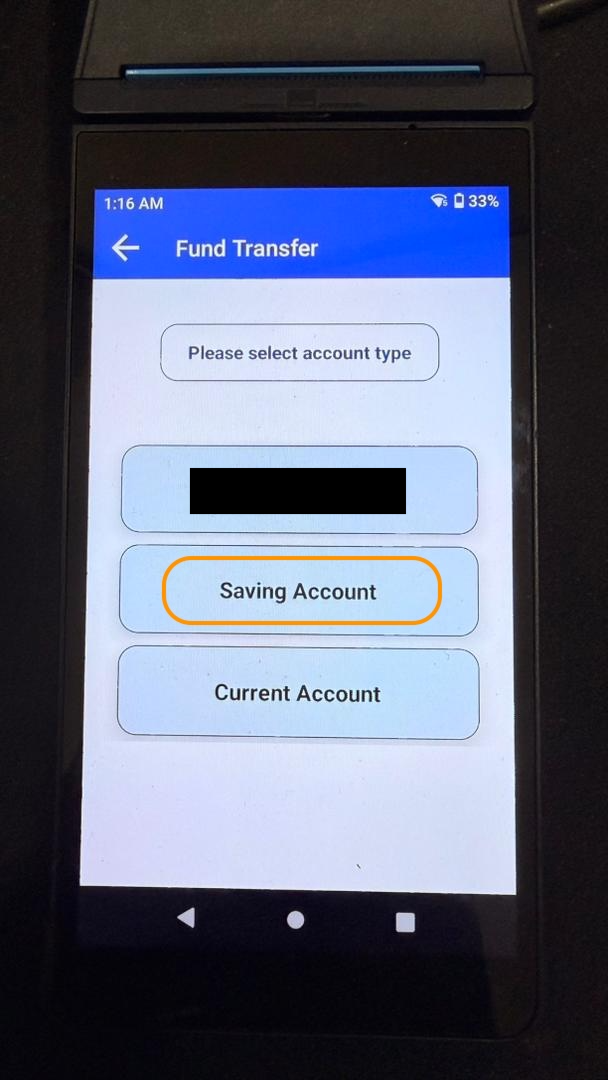
- Select Account Type to Transfer From:
- Saving
- Current
Match this selection with your test case title
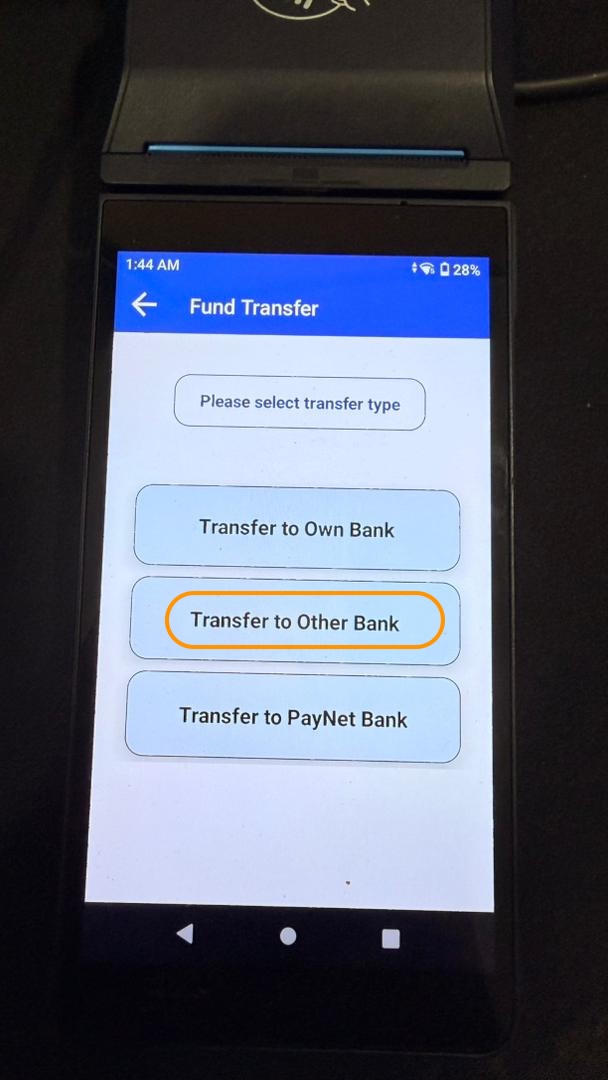
Select transfer type → Transfer to Other Bank (IBFT4 requirement)
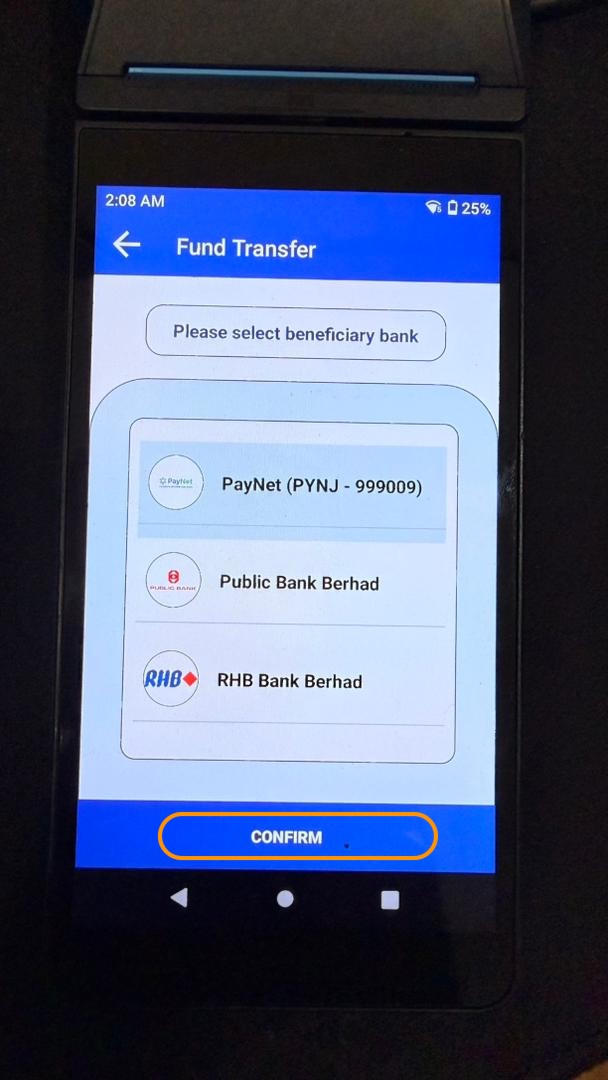
Select Beneficiary Bank
- Scroll through the bank list
- Select PayNet Bank - PYNJ
- Click Confirm
- Select Account Type to Transfer To
- Review your test case details
- Select correctly according to test case specification
Incorrect selection will cause execution failure.
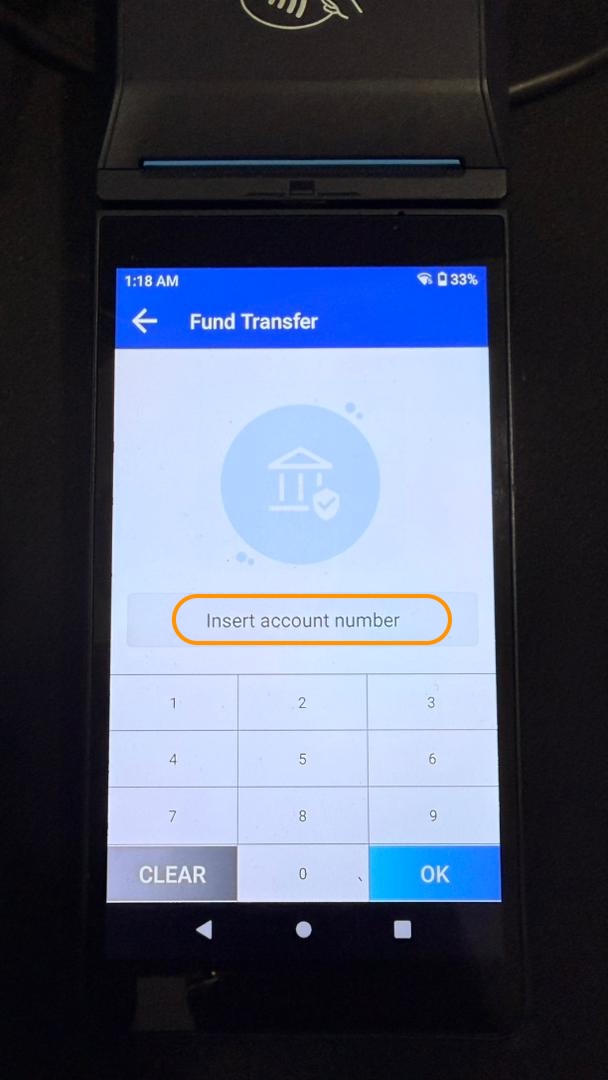
- Enter Beneficiary Account Number
- Use account number provided by PayNet
- Click OK
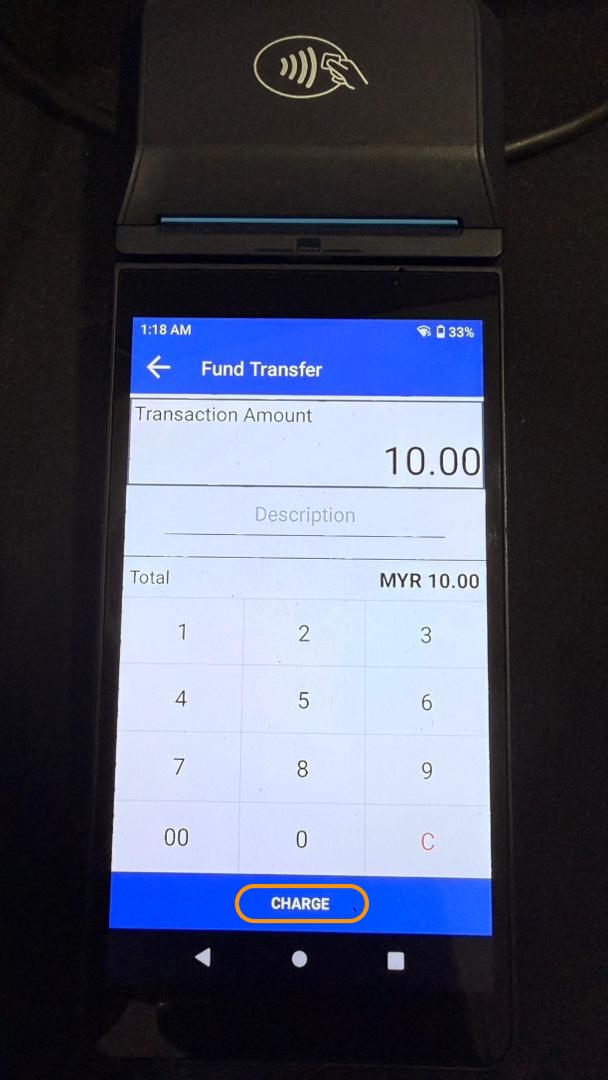
- Enter Transfer Amount
- Click Charge
Card Authentication
- Insert Your Organization card
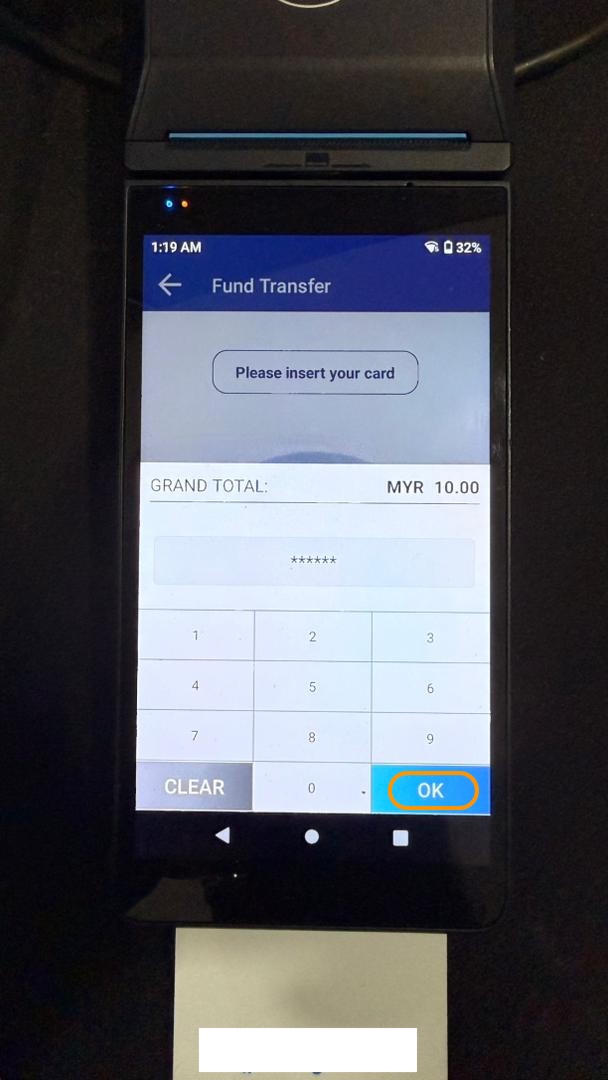
- Enter **PIN**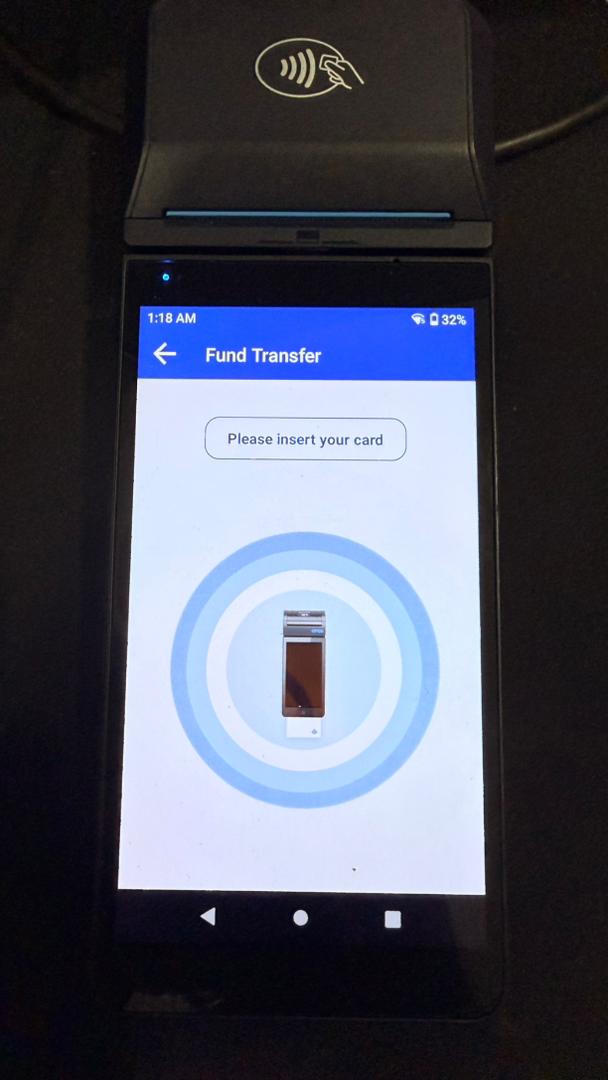
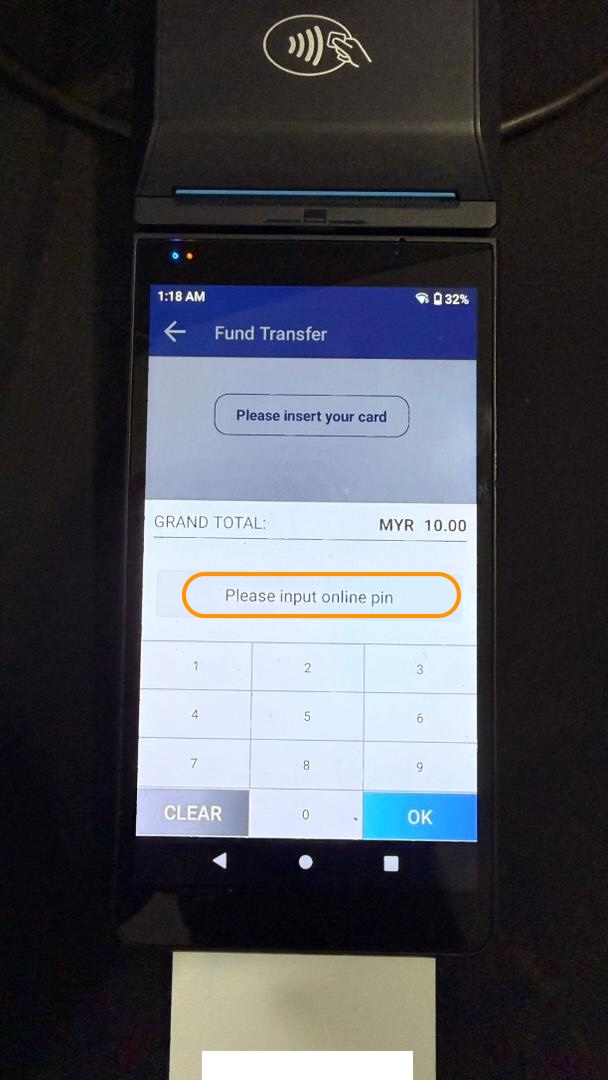
- Click OK
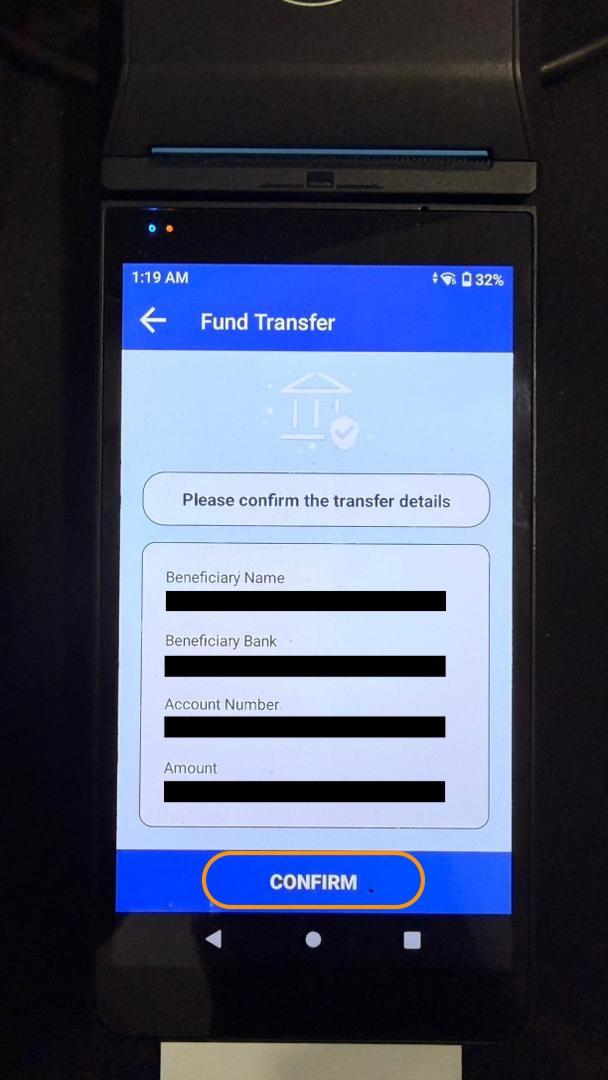
- Confirm transfer details:
- Beneficiary Name
- Beneficiary Bank
- Account Number
- Amount
Click CONFIRM
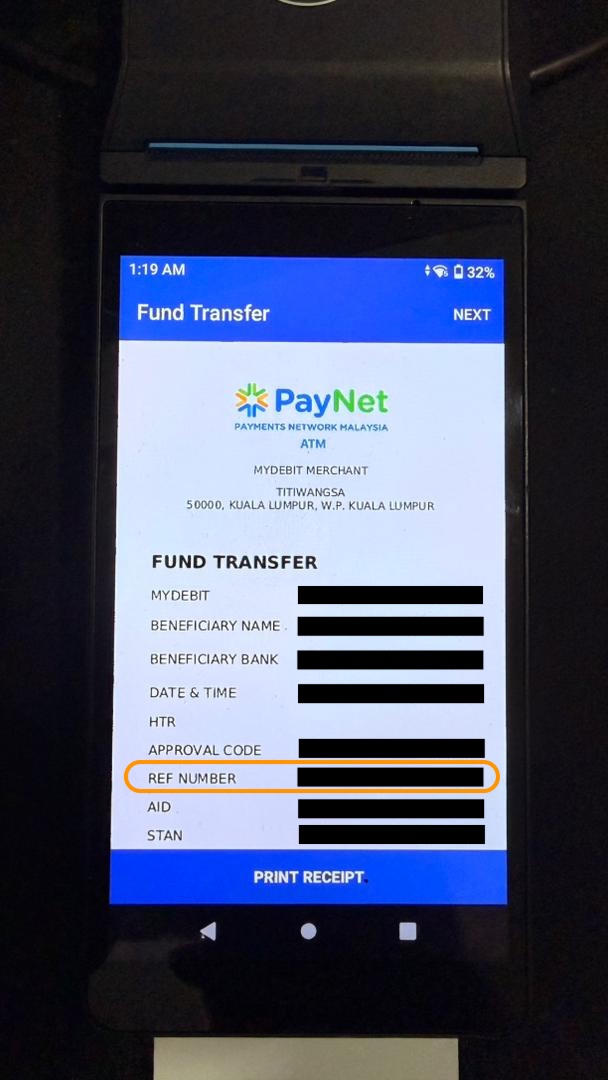
- Retrieve Receipt with RRN
📌 Key Transaction Details
| Step | Field | Note |
|---|---|---|
| Account From | Saving / Current | Must match test case |
| Transfer Type | Transfer to Other Bank | IBFT4 requirement |
| Beneficiary Bank | PayNet Bank - PYNJ | Must select from list |
| Account To | Per test case | Check test case details |
| Beneficiary Account | PayNet provided | From PayNet |
| Card | Your organization card | From your institution |
Step 2: Submit Test Case in Developer Portal
2.1 Navigate to Test Case
- Return to PayNet Developer Portal
- Open SAN Instant Transfer test suite
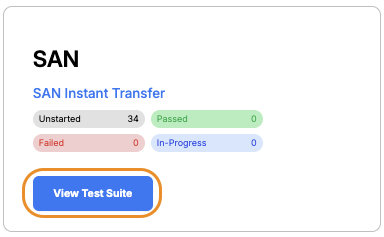
- Scroll to Scenario 4 – ISS
- Click the relevant test case title

2.2 Submit RRN
- Click Test Execution tab
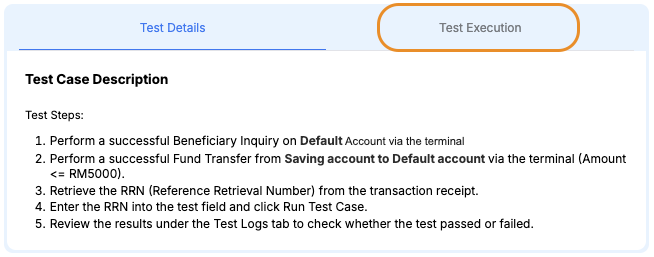
- Enter Fund Transfer RRN from terminal receipt in the Retrieval Reference Number field
- Click Run Test Case
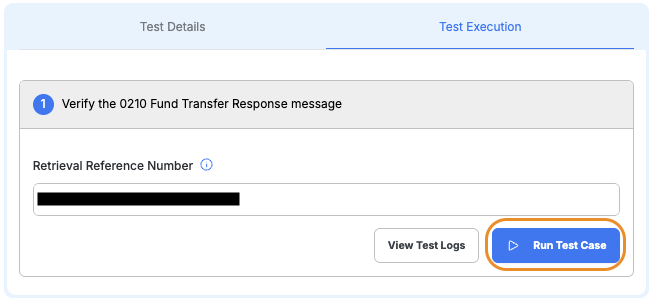
- Wait for validation
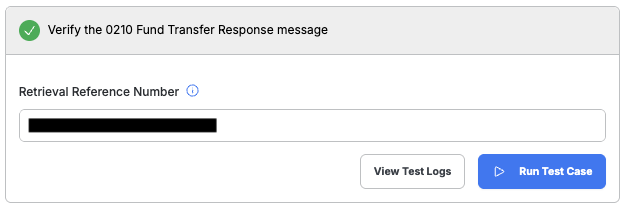
IBFT4 Issuer requires only Fund Transfer RRN.
This is a single-step validation.
2.3 Review Results
Passed: Status badge displays a green Passed label
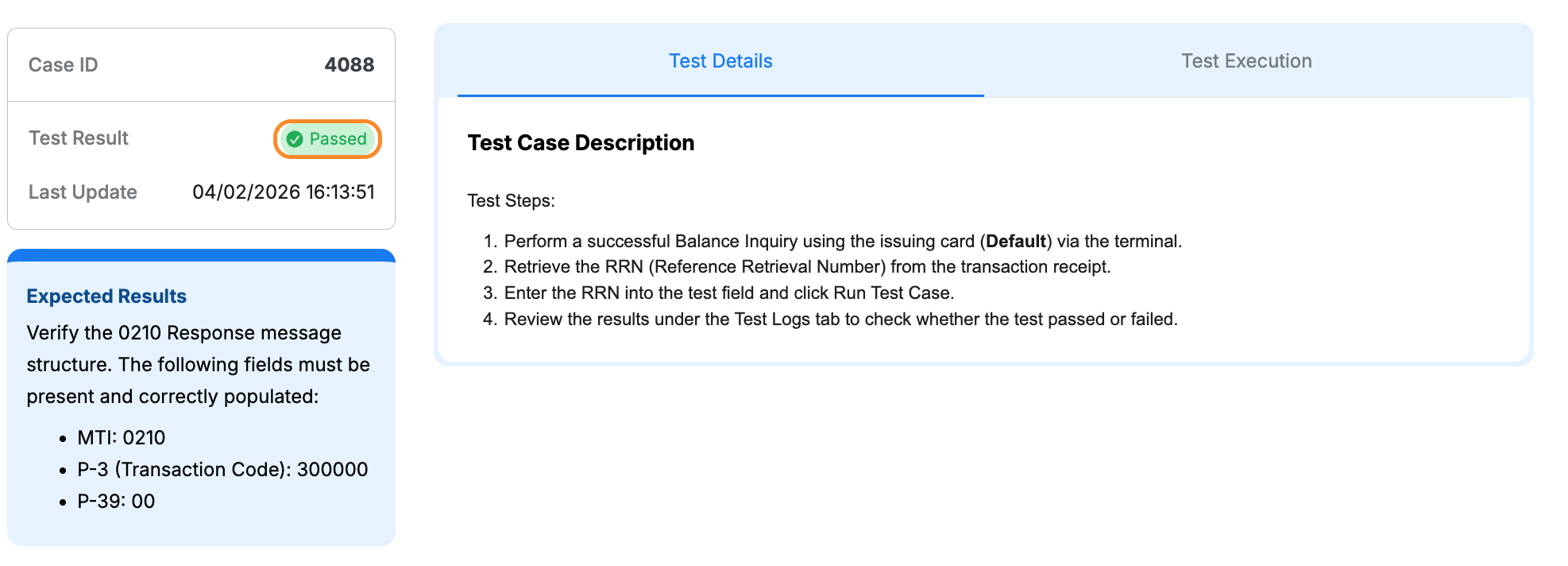
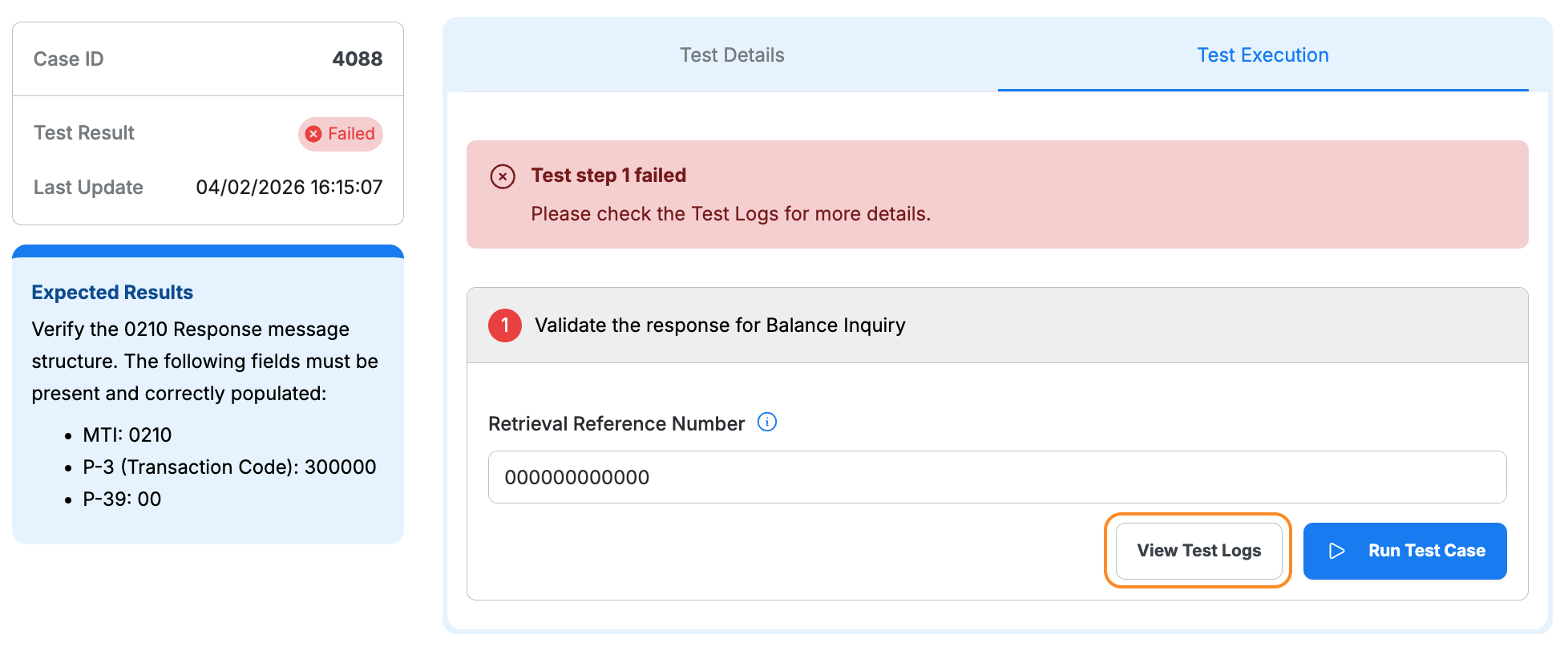
Failed: Click View Test Logs to identify the issue and error details
Step 3: Complete All Test Cases
Completion Checklist
- Repeat Steps 1–2 for each test case in Scenario 4 – ISS
- Complete all account type combinations specified in test cases
- Ensure all test cases show Passed
- Review test logs for any failures